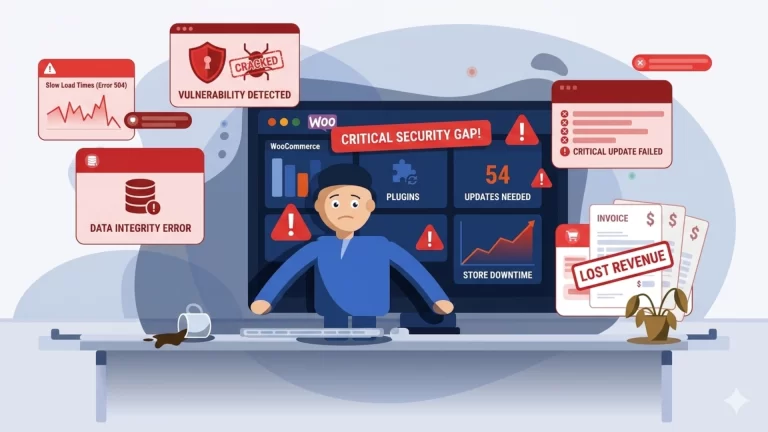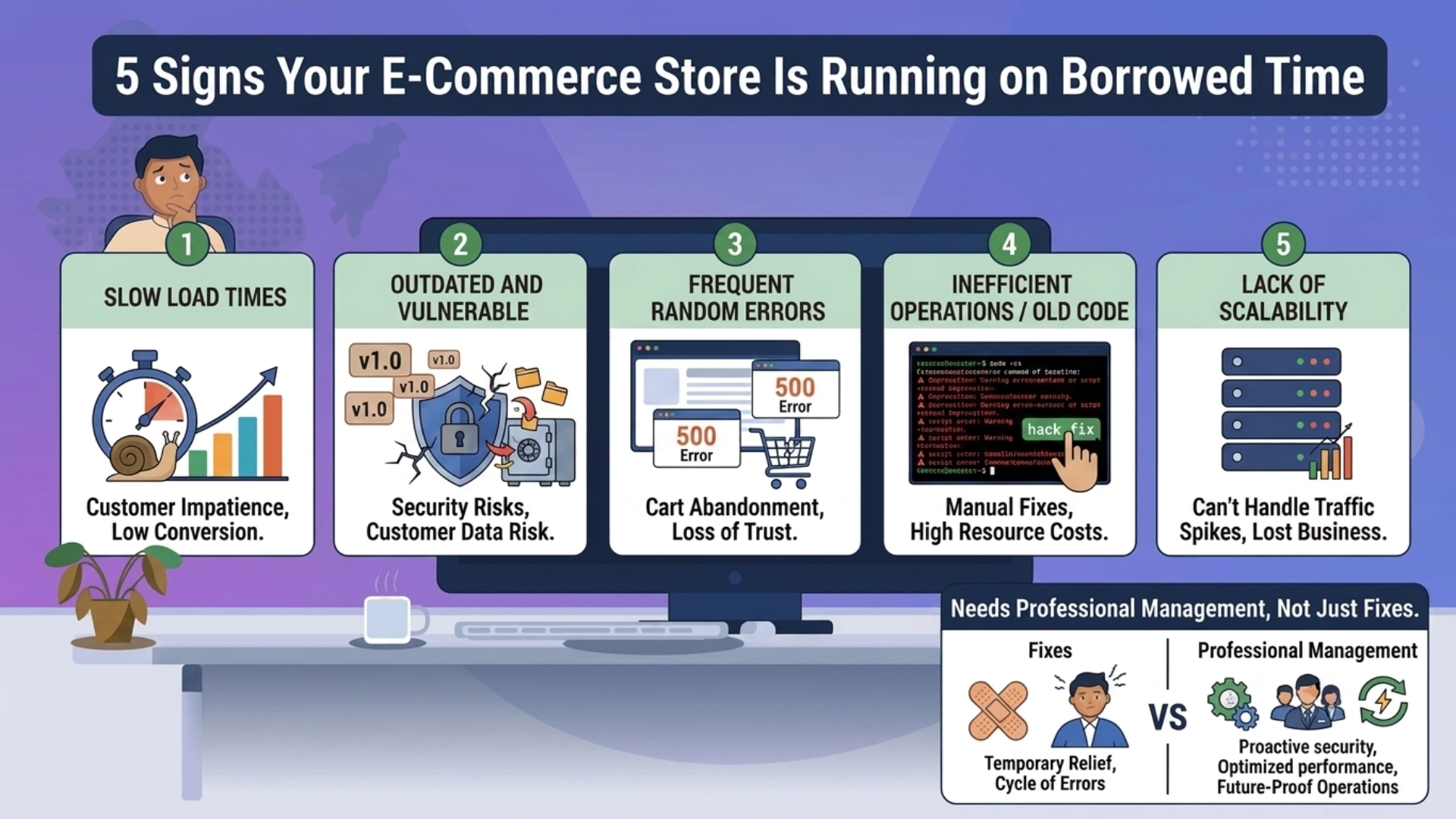
Most e-commerce stores don’t fail suddenly. They degrade quietly – through small signs that are easy to ignore until they compound into something impossible to. Here are five specific indicators that your store is carrying more operational risk than you realise.
01 Your plugins haven’t been updated in months
The WordPress admin dashboard shows pending updates. Plugin developers release them because of security patches, compatibility fixes, or critical bug resolutions – not to add features you don’t need. Every week an update sits unapplied, the risk window stays open.
The complication is that updates cannot always be applied blindly. A WooCommerce core update can conflict with a payment gateway plugin. A caching plugin update can break the checkout flow. Updates need to be reviewed, tested in a staging environment, and applied with a rollback plan – none of which is part of a typical build contract.
If the last time your plugins were updated was when your developer handed over the site, your store is running on borrowed time.
Quick check: WordPress dashboard → Updates. If there are more than 5 pending updates, your store is overdue.
02 Your site load time has crept above 3 seconds
A store that launched loading in 1.8 seconds and now takes 4.2 seconds has not had any code changed. What has changed is the accumulation – database rows, uncompressed images, plugin overhead, expired transients, and log files that were never cleared.
According to Google’s own research, a one-second delay in mobile load time reduces conversions by up to 20%. For an SME store doing ₹2,00,000 in monthly revenue, a 20% conversion drop is ₹40,000 in lost sales per month – not because of a visible problem, but because of invisible accumulation that nobody was monitoring.
Performance drift is a maintenance failure, not a development failure. It requires ongoing housekeeping, not a one-time fix.
Quick check: Run your store URL through Google PageSpeed Insights. A mobile score below 60 is a revenue problem, not just a technical one.
03 You have never tested your backups
Most stores have some form of backup in place – a hosting-level automated backup, a plugin like UpdraftPlus, or a scheduled export. Having a backup and having a working backup are two different things.
Backup files can be corrupted. Hosting-level backups can exclude the database. Plugin-based backups can silently fail when a configuration changes. The only way to know your backup works is to test a restore – and the vast majority of SME store owners have never done this.
When a backup is needed, it is needed urgently. Discovering it doesn’t work in that moment is a crisis that could have been a routine check.
Quick check: When was your last backup restore test performed? If the answer is ‘never’ or ‘I don’t know’, your recovery plan doesn’t exist.
04 Your checkout or transactional emails are generating complaints
Order confirmation emails stopped delivering. A customer says they never received their tracking update. The password reset email doesn’t arrive. These are not minor annoyances – they are symptoms of a broken operational layer that most store owners dismiss as ‘probably a spam filter issue’.
Transactional email failures typically happen when SMTP configuration drifts, when email plugins fall out of date, when hosting-level mail sending is blocked, or when a domain’s SPF or DKIM records are misconfigured. None of these fix themselves.
Each undelivered order confirmation creates doubt in the customer’s mind about whether their order was placed. Each missed dispatch notification generates a support query. These are operational failures with direct commercial consequences.
Quick check: Place a test order on your own store. Did you receive the confirmation email within 2 minutes? If not, something is broken.
05 You don’t know your store’s uptime percentage
If you are not monitoring uptime, you do not know how often your store goes down. And it does go down – shared hosting environments experience outages during high-traffic periods, server migrations, and maintenance windows. Without monitoring, these outages are invisible to you and very visible to your customers.
A store that experiences 2 hours of downtime per week has 99.2% uptime – which sounds acceptable until you calculate that it represents over 100 hours of lost selling time per year. If those 2 hours consistently fall during your peak traffic window, the revenue impact is disproportionate.
Monitoring is not optional. It is the minimum requirement for knowing whether your store is actually open for business.
Quick check: If you cannot state your store’s average uptime percentage for the last 30 days, you have no visibility into one of the most basic operational metrics.
What to do if you recognised your store in any of the above
Recognising these signs is the useful part. The honest follow-up is that each of these issues requires a different type of intervention – and most of them require ongoing attention, not a one-time fix.
Updating plugins once does not solve the update problem. It restarts the clock. Running a performance optimisation once does not prevent drift from recurring. Restoring a backup once does not mean future backups will work. These are operational rhythms, not one-off tasks.
The businesses that avoid these problems are not the ones with better developers – they are the ones with ongoing, accountable management in place. A good build gets a store live. Good management keeps it commercially viable.
At Milliard Infotech, we manage WooCommerce and Shopify stores on exactly this basis – a structured monthly engagement covering maintenance, monitoring, security, and performance, with a formal SLA and a single point of accountability.
If your store showed up in more than one of the signs above, an operational audit is the right starting point. We offer one at no obligation for prospective clients.
Request an audit or learn more about our managed operations model at milliardinfotech.com.