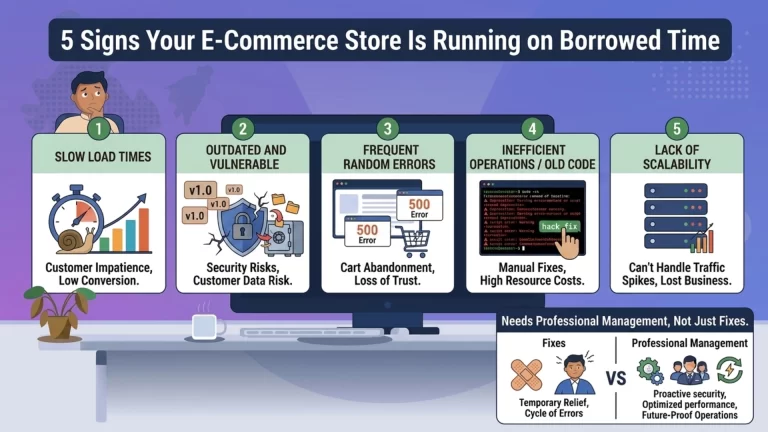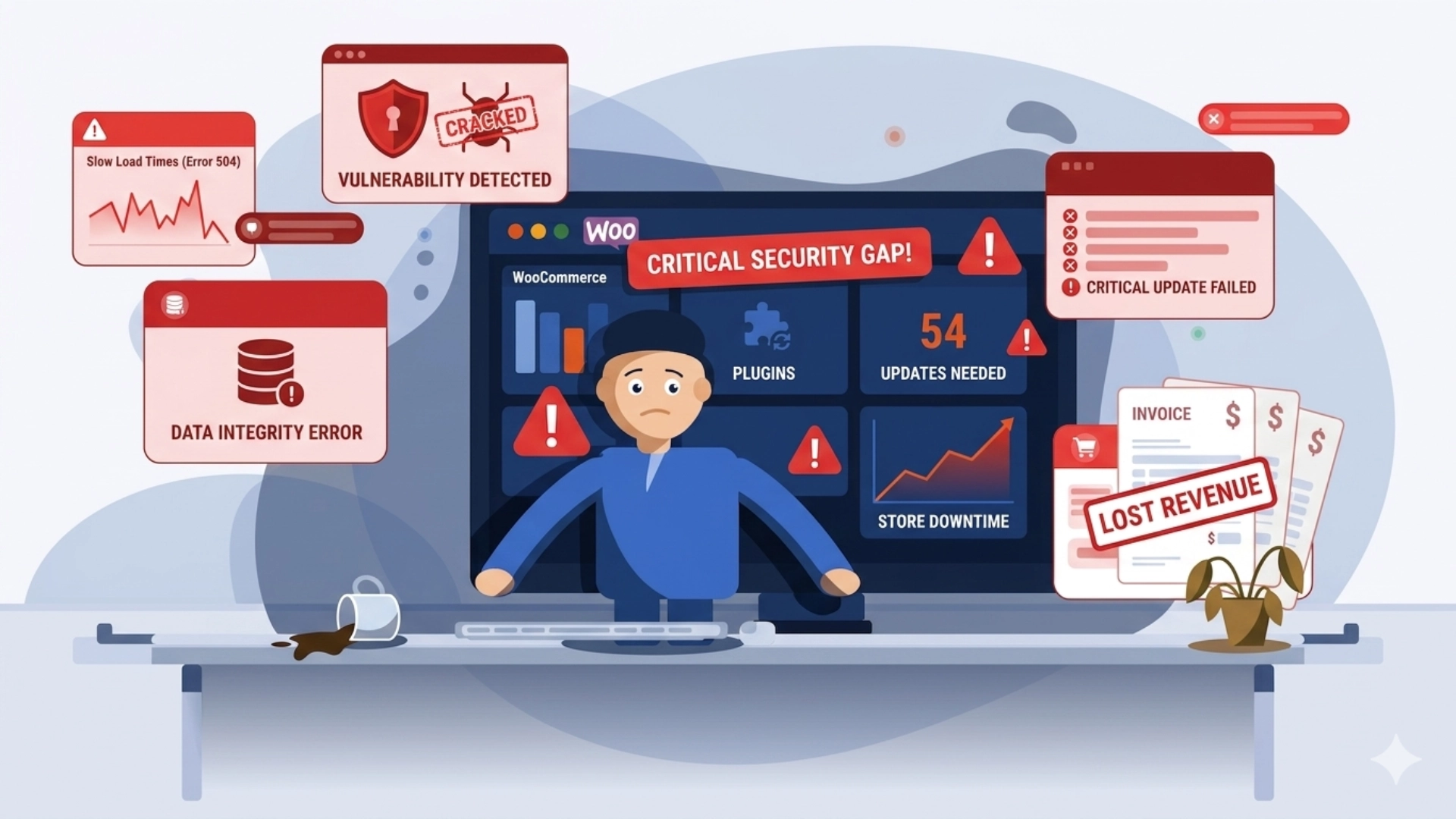
An unmanaged WooCommerce store does not stay static. It quietly deteriorates — through outdated plugins, growing security gaps, slower load times, and small failures that compound into larger ones. Most store owners only notice when something breaks visibly. By then, the damage is already done.
The illusion of “it’s working fine”
Most WooCommerce store owners have a simple measure of store health: if orders are coming in and the site loads, everything is fine. This is understandable. The store was built, it works, and there are a hundred other things demanding attention.
The problem is that WooCommerce is not a static system. It runs on WordPress, which runs on PHP, which sits on a server – all of it in a constant state of change. Plugin developers release updates. Security researchers discover vulnerabilities. Hosting environments evolve. Your store, meanwhile, stays exactly where it was left.
The gap between what your store is running and what it should be running grows every week you are not actively managing it.
Six things that go wrong silently
| Issue | What happens without active management |
|---|---|
| Security vulnerabilities | Outdated plugins are the single biggest entry point for attacks on WordPress sites. Bots scan for known vulnerable versions continuously. |
| Plugin conflicts | Plugin updates from different developers don’t always play nicely together. An update left unreviewed can silently break checkout or payment flows. |
| Slowing performance | Database tables bloat over time with unused post revisions, transients, and log entries. No cleanup means a store that gets slower month by month. |
| No verified backups | Many stores rely on hosting-level backups that have never been tested. A corrupted backup discovered during a crisis is the same as no backup. |
| Broken transactional emails | Order confirmations, shipping notifications, and password resets stop working silently when SMTP settings drift or email plugins fall out of date. |
| Expired SSL certificates | An expired SSL certificate turns your store’s URL into a browser warning page. Customers leave immediately. Search engines penalise the domain. |
Why these issues are so hard to catch yourself
None of these problems announce themselves with an error message visible to the store owner. They accumulate in the background – in server logs, in plugin changelogs, in the WordPress admin dashboard that most owners rarely open after the store goes live.
Security vulnerabilities are invisible until exploited. Database bloat is invisible until load times measurably degrade. A failed backup is invisible until you need it. By the time any of these becomes obvious, the cost – in lost sales, customer trust, or recovery time – is significantly higher than if it had been caught early.
A study by WP White Security found that over 56% of hacked WordPress sites were running outdated plugins at the time of the attack. The fix would have taken minutes. The cleanup typically takes days – and that’s assuming nothing sensitive was compromised.
What active monitoring actually looks like
Managing a WooCommerce store is not a once-a-month task. It is a continuous operational responsibility. In practice, it involves:
- Reviewing and testing plugin and WordPress core updates before applying them to a live store
- Running weekly database optimisation to clear bloat and maintain query performance
- Monitoring uptime on a continuous basis with alerting when the store goes down
- Running scheduled security scans and reviewing results for anomalies
- Verifying backup completion and periodically testing restore procedures
- Checking transactional email delivery through a staging send process
- Monitoring SSL certificate expiry and renewing proactively
- Reviewing server error logs for patterns that indicate emerging issues
This is not a checklist you complete once. It is a rhythm – weekly, monthly, and ongoing – that keeps a store in good operational health. It requires technical knowledge, time, and consistent attention.
The honest question to ask yourself
When was the last time someone reviewed your WooCommerce plugin versions against known vulnerability databases? When was your last backup tested, not just scheduled? Do you know whether your transactional emails are actually delivering?
If you cannot answer these questions, your store is unmanaged – not because you are doing something wrong, but because managing a store properly was never part of the original build contract.
Most SME owners discover this the hard way: a hacked site, a payment flow that silently stopped working three weeks ago, or a store that loads in eight seconds on mobile and nobody told them.
What to do about it
The answer is not to become a WordPress systems administrator. Your time is better spent on your business. The answer is to have someone else take ongoing, accountable responsibility for these tasks – with defined scope, regular reporting, and an SLA that covers what happens when things go wrong.
That is exactly what Milliard Infotech’s managed operations model is built around. We handle the full maintenance stack for WooCommerce and Shopify stores – so your store stays secure, fast, and operational without you having to think about it.
If you are not sure whether your store is properly maintained, the right first step is an audit. We offer an initial assessment for new clients at milliardinfotech.com – no obligation to proceed further.